 NL
NL
Navigation & Route Apps: your companion for a carefree journey
Good preparation with the right navigation & route apps is the foundation for a relaxed and successful car holiday. Today’s technology offers far more possibilities than just the fastest way from A to B; it helps you bypass traffic jams, discover the most beautiful routes, save costs, and even find your way without an internet connection. Familiarise yourself with the options beforehand and ensure you don’t encounter any surprises on the road.
The days of awkwardly large paper maps on the back seat are over. Modern apps make planning your ideal car holiday easier and more enjoyable than ever. They enable you to personalise your trip in detail, from avoiding toll roads to finding that one perfect cafe along a scenic route. Smart planning beforehand means less stress and more time to enjoy the journey itself.
The most popular navigation apps under the microscope
For most travellers, Google Maps and Waze are the best-known options, but there are interesting alternatives that might be better depending on your travel destination. Each app has its own strengths.
Google Maps: the all-rounder
Google Maps is the default choice for many, and with good reason. The app excels at combining navigation with a huge database of points of interest (POIs), such as restaurants, petrol stations, and attractions. The ability to save maps offline is a major advantage in areas with poor reception. The interface is clear, and traffic information is generally accurate, although it’s not always the most proactive in suggesting alternative routes for sudden traffic problems.
Waze: the power of the community
Waze distinguishes itself through its real-time, user-generated information. This means that fellow Wazers directly report traffic jams, accidents, speed cameras, and other road hazards. As a result, the app often offers you an alternative route faster than other systems. It’s the ideal co-pilot if you want to stay ahead of congestion. A drawback is that Waze relies heavily on an active internet connection and a reasonable number of users in the region where you are driving.
Alternatives like TomTom GO and HERE WeGo
TomTom GO, the app version of the well-known navigation devices, offers reliable maps and clear lane guidance, which is particularly useful at complex motorway junctions. The app also provides excellent offline functionality. HERE WeGo is another strong contender, notably for its free and extensive offline maps for entire countries and even continents. Furthermore, the app is very user-friendly and clearly indicates speed limits.
‘ Offline maps are not a luxury, but a necessary part of your preparation. ’
Offline maps: your saviour in areas without reception
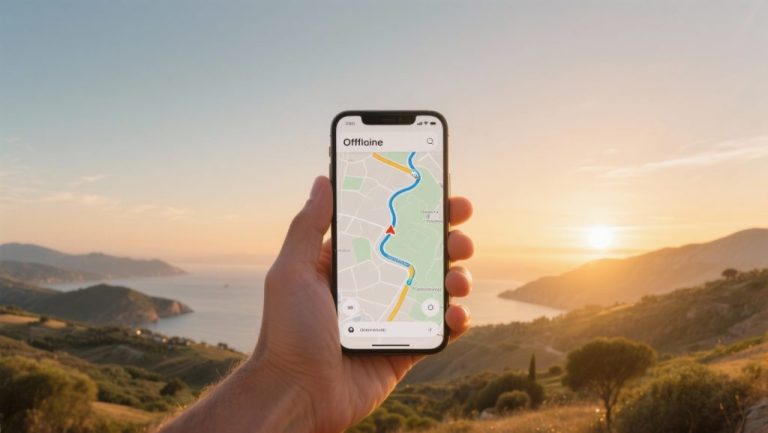
One of the biggest uncertainties during a road trip is losing your internet connection, precisely when you need it most. Whether you’re driving through remote mountainous areas, vast nature reserves, or a country outside the EU, you’ll quickly be on your own without mobile data. Offline maps are therefore not a luxury, but a necessary part of your preparation.
The principle is simple: before you leave, download the map of the region or country you’re travelling to via a Wi-Fi connection. Once the map is saved on your phone, the app navigates using only your device’s GPS signal, without consuming a single MB. Google Maps, TomTom GO, HERE WeGo and Maps.me all offer this feature. Do check how much storage space the maps take up, as a map of a large country can require quite a lot of space.


Advanced route planning: avoid tolls, ferries, and find charging points
Modern navigation apps offer extensive options to personalise your route. Before you press ‘start’, it’s worth checking the route settings. Here you can often indicate that you want to avoid toll roads, motorways, or ferries. This not only saves costs but also often leads you along more scenic, quieter roads that you might otherwise miss.
For drivers of electric vehicles (EVs), route planning is extra important. Apps such as TomTom GO and specialised EV apps (e.g., A Better Routeplanner) integrate charging points along your route into the planning. They take into account your car’s range and the availability of charging stations, so you can set off with peace of mind. Google Maps is also increasingly showing charging points, including information about the plug type and availability.
Always informed: real-time traffic information and speed camera alerts
Nothing is more annoying than unexpectedly getting stuck in a long traffic jam. Apps that use real-time traffic information, such as Waze and Google Maps, are invaluable. They constantly analyse traffic flows and adjust your route if a faster alternative is available. This saves you both time and frustration.
In addition, many apps warn about fixed and mobile speed cameras. Waze and Flitsmeister (particularly popular in the Benelux) specialise in this, thanks to user reports. However, be aware of the legislation in the country where you are driving. In countries like France, Switzerland, and Germany, the use of devices that detect speed cameras is prohibited. Disable this function in your app to avoid hefty fines.
‘ If you’re driving outside the EU, roaming costs can quickly add up. ’
Data usage abroad: smart handling of your MBs
Within the European Union, you usually use your data bundle without extra costs. If you’re driving outside the EU, roaming costs can quickly add up. Navigation, depending on the app, consumes a fair amount of data. To limit this, there are a few smart strategies:
- Use offline maps: As mentioned earlier, this is the most effective way to save data.
- Download via Wi-Fi: Plan your route and download the necessary maps when connected to Wi-Fi, for example, at your hotel.
- Buy a local SIM card: If you are staying longer in a country outside the EU, consider a local prepaid SIM card with a data bundle. This is often more cost-effective than roaming.
- Turn off data: If you are using offline maps, turn off your mobile data to prevent the app from consuming data in the background, for example, for traffic updates.
The indispensable backup: what if your app fails?
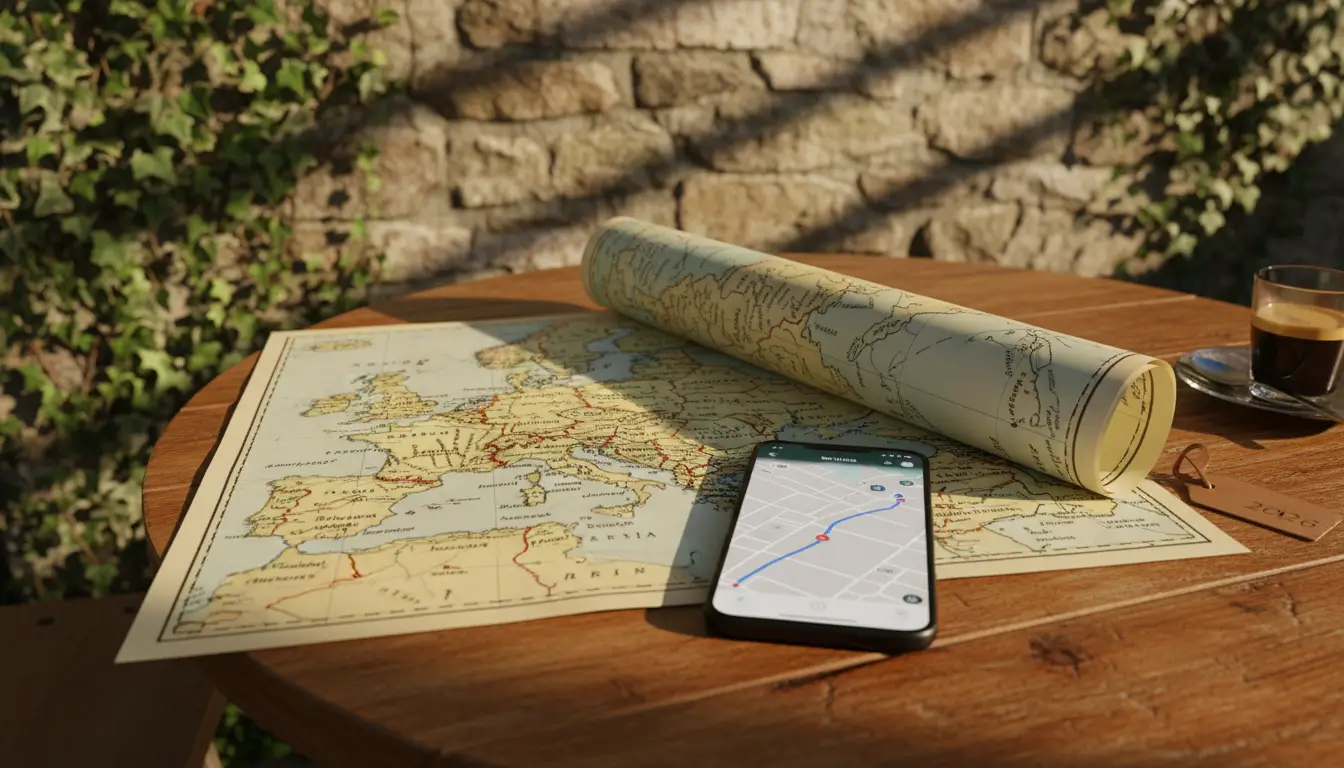
Technology is useful, but not infallible. A dead battery, an overheated phone in the sun, a software error, or simply no GPS signal in a deep valley; there are plenty of reasons why your navigation app might fail. Therefore, always have a plan B.
A good backup consists of a second device with a different navigation app and offline maps. An even more reliable alternative is a recent, physical road map of the region. It might feel old-fashioned, but a map doesn’t need a battery and always works. It also gives you a much better overview of the surroundings than a small phone screen. If necessary, also note down the most important route numbers or place names on a notepad before departure.
Practical tips for carefree navigation
Good preparation is half the battle. With these final tips, you’ll be well-prepared for your journey:
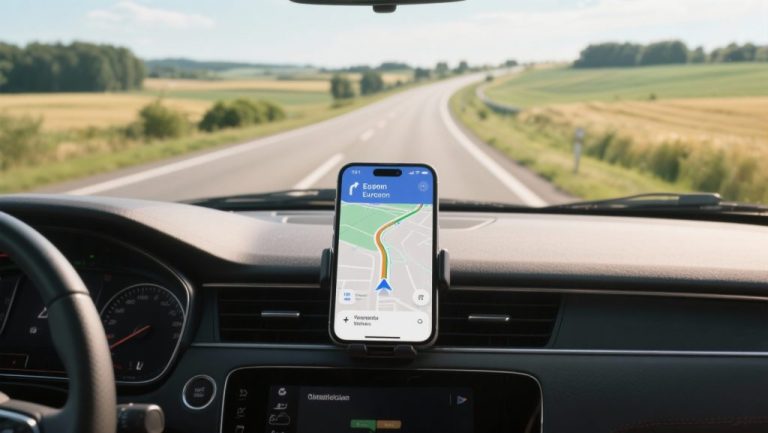
- Phone holder and charger: Ensure you have a sturdy phone holder in a safe place within your line of sight, and a good car charger or power bank.
- Set everything up beforehand: Enter your destination and check the route settings before you start driving. Making adjustments while driving is dangerous.
- Check the route: Briefly review the suggested route. Sometimes apps direct you onto illogical or undesirable roads. A quick check can prevent this.
- Listen, don’t watch too much: Rely on spoken instructions and only look at the screen when absolutely necessary. Keep your eyes on the road.
- Update your apps and maps: Ensure both the app and the maps are up-to-date for the most recent road information.