 NL
NL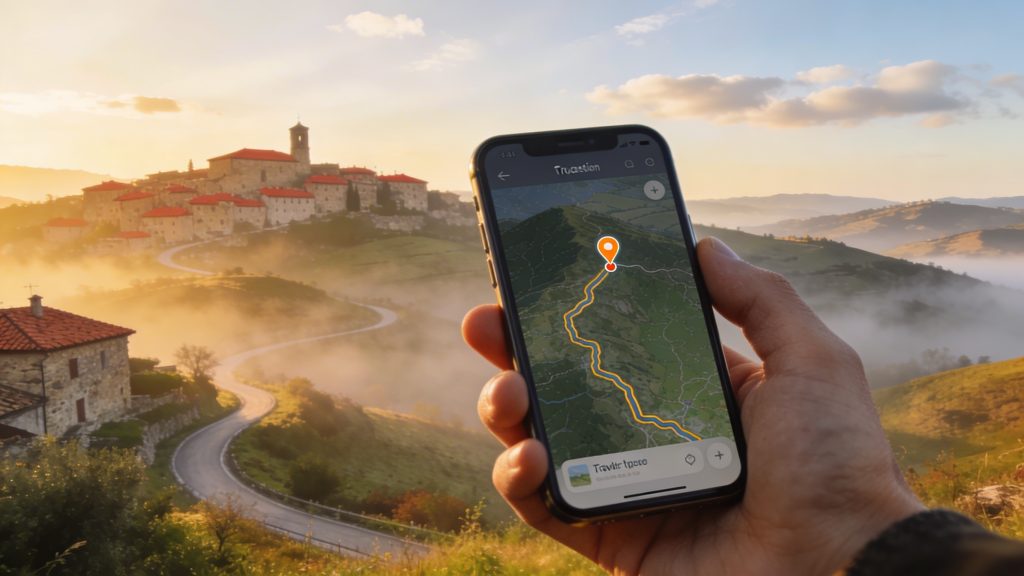
Hours of queuing at the border while your schedule falls apart? Apps with real-time border information and formalities show you exactly where you will end up and how long you will have to wait. They combine official data with the experiences of other travellers. This helps you avoid delays and consciously choose the fastest crossing point. These tools also offer practical guidance for customs declarations and up-to-date regulations. Read on and discover which apps make your border experience predictable.
Anyone travelling by car or train across Europe knows that border crossings range from a brief check to long waiting times. Knowing in advance what to expect is especially useful during holiday periods or at busy crossings. Specialised apps help you assess the current situation so you can adjust your route accordingly. You can find more general information on regulations and checks in border crossings, customs and travel formalities.
BorderWatcher and BorderWatcher Plus for live waiting times
BorderWatcher and the extended version BorderWatcher Plus are designed for European border crossings. The apps show waiting times, queue coordinates and the number of vehicles at borders in many countries. You can also view live cameras. Think of Serbia, Romania, Ukraine, Slovakia, Austria, Germany, Slovenia, Croatia, Bulgaria, North Macedonia, Montenegro, Bosnia and Herzegovina, Greece, Czechia, Italy, Switzerland, Türkiye and Kosovo.
The app uses colour codes that immediately show how busy it is:
- Dark green: no waiting time
- Light green to yellow: short to average waiting time
- Orange to dark red: long waiting time, from one to more than four hours
Users share their experiences with photos and SMS messages about the fastest lane. You see official measurements, and at the same time you see what other travellers are going through at that moment. BorderWatcher Plus offers additional functionality. This version is ad-free and includes a chat function, notifications per crossing, a map mode with nearby updates, navigation, night mode and contact details of border crossings. Useful if you need to act quickly or need specific information.
‘ You plan your route in such a way that you avoid traffic jams and long waits. ’
BorderApp for complete overviews and maps
BorderApp provides up-to-date waiting times at border crossings. The app combines official sources with maps and cameras, giving you an accurate picture of the situation on the spot. You plan your route in such a way that you avoid traffic jams and long waits. The interface is simple and clear, ideal for anyone who wants to quickly check on the road whether the crossing they have chosen is still the best option.
Navigation apps with traffic and crowdsourcing
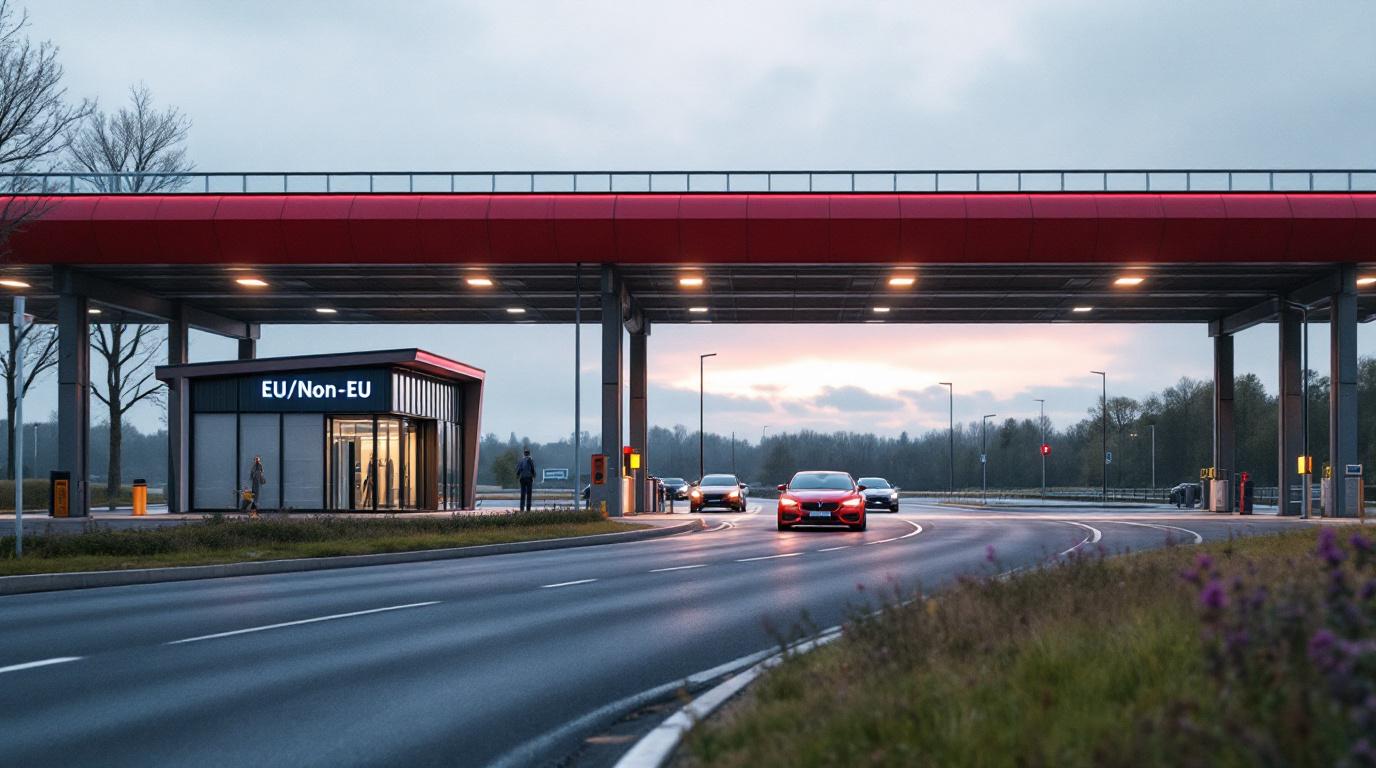
Navigation apps with live traffic data are a useful supplement to specialised border apps. These navigation apps collect real-time information – ‘live’, in other words – via users, sensors and cameras. They show vehicle speeds, traffic density and incidents. You avoid congestion and adjust your routes. Some apps also offer options for public transport with delay information, which is handy if you are travelling by train, as you then know how your connections are looking.
PTV Navigator supports routes with multiple stops. You can view real-time traffic and toll costs, and you can set vehicle profiles. This is especially useful on long journeys with border checks or lorries. Range Network gives real-time warnings of police checks, roadside weighing stations – these are mobile weighbridges for lorries – and tax authority checks. Users praise this app for its daily alerts on mobile checks, helping you avoid fines and drive more safely.
How to combine the apps for maximum coverage
No single app covers every possible situation. Using several tools alongside each other gives you the full picture. Start with BorderWatcher or BorderApp for current waiting times and data from border services. Then switch to a navigation app. This shows live traffic and reports any checks or jams. That way you know how long you will have to wait at the border and whether the route to it is clear.
Activate notifications for your favourite borders. Follow live chats or automatic measurements from other users. Some apps offer an option to switch off official information and rely purely on user updates. This is useful if the official data is outdated and user experiences are more current.
‘ Navigation with offline maps is an excellent addition. ’
Offline use and preparation
Internet access is not always guaranteed in border areas. Check in advance whether your app supports offline maps. Also check whether you can store information in the memory. Download the maps at home. If you do not have Wi-Fi at home, download them somewhere with free Wi-Fi. Even without mobile coverage you can view routes and check a planned crossing.
Not all apps work fully offline. BorderWatcher and BorderApp are mainly suitable for real-time use. Navigation with offline maps is an excellent addition. Combine such an app with these border tools so that you always have a back-up if your data connection drops out.

Tips for travel formalities and customs declarations
Waiting times are one thing, but formalities can also raise questions. Some apps offer links to official information, such as import bans, visa requirements and declaring goods. These apps do not replace official sources, but they do give you a first impression of what you need to arrange.
For customs declarations, specific offline apps are scarce. Most declarations are still done using paper forms, or you use the official website of a customs authority. Prepare yourself at home. Check which goods you have to declare and what thresholds apply. Also find out which amounts are relevant. Keep copies of receipts and declarations on your phone or in a folder so you can quickly show what you have bought.
Regional focus and coverage
BorderWatcher and BorderApp focus mainly on Central and Eastern Europe and the Balkans. For borders within Western Europe or the Schengen area the need is often smaller. During peak periods or when temporary border checks are in place, these apps are still useful. Check which countries and crossings the app covers before you set off.
For the Netherlands and neighbouring areas, general traffic apps are often sufficient. International journeys to countries outside Schengen call for border-specific tools. Regularly check whether the app has received updates and whether new crossings have been added.
‘ Always combine several sources. ’
User experiences and reliability
Travellers who use these apps report that they avoid traffic jams and long waits. The simple interfaces and real-time alerts are appreciated. Reliability depends on the number of users: the more people share information, the more up to date the data is. At quiet times or at lesser-known crossings, the data can be limited.
Always combine several sources. Official websites of border agencies, traffic centres and apps are available. These sources complement one another, allowing you to make a well-considered choice and respond quickly to changes.
Advantages and limitations of real-time border information
Real-time border information makes your journey more predictable and helps you save time. You avoid the busiest times and choose the fastest crossing while staying informed about current situations. This reduces stress and gives you more control over your planning.
At the same time, these apps are no guarantee. Waiting times can change quickly due to unexpected checks or incidents. How up to date the data is depends on contributions from users and official sources. Always build some margin into your schedule and check the app regularly while you are on the road.
On the Traveler Tips website you will find more information on routes and travel formalities, as well as tips for preparation and destinations. These tips help you plan your holiday in a smarter and more conscious way.
Frequently asked questions
Apps such as BorderWatcher, BorderWatcher Plus and BorderApp provide current information on waiting times and traffic levels at many European border crossings. They combine official data with user reports, live cameras and sometimes colour codes to help you estimate the waiting time. In addition, some navigation apps with live traffic (for example those using crowdsourced data) also give indications of tailbacks at border posts.
Use apps such as BorderWatcher, BorderWatcher Plus and BorderApp to see current information on waiting times and basic formalities for each border crossing. Combine these with official sources (for example the websites of border police, ministries of foreign affairs and customs) for visa and import requirements. Set up notifications in the apps for specific border posts on your route so that you immediately see any changes. Check again shortly before departure and en route, as rules and traffic levels can change by the day and even by the hour.
Yes, there are apps that warn you of unexpected delays at borders while you are travelling, such as BorderWatcher, BorderWatcher Plus and BorderApp. These provide real-time information on waiting times, traffic levels and sometimes also practical formalities at border crossings. Many apps support notifications (push notifications) for specific border crossings that you set as favourites. You can optionally combine them with navigation apps with live traffic for extra alerts on tailbacks and incidents around the border.
Use apps such as BorderWatcher, BorderWatcher Plus or BorderApp to compare real-time waiting times and congestion at different border crossings and include the quietest crossing in your route. Combine these with a navigation app with live traffic information (for example PTV Navigator) to automatically avoid diversions and rush-hour traffic. Check in advance for each country which documents, vignettes, tolls or customs formalities are required and store that information offline. If in doubt, plan extra time around busy border posts and set notifications for your preferred crossings.
For accurate border information, BorderWatcher (and BorderWatcher Plus) and BorderApp are the most reliable, because they combine official data with real-time user reports. In regions with limited coverage you can download map layers and border crossings in these apps in advance and supplement them with an offline navigation app (for example PTV Navigator) for the route. Ideally, combine them with a major traffic or navigation app with live traffic for alternative routes if a border crossing gets blocked.