 NL
NL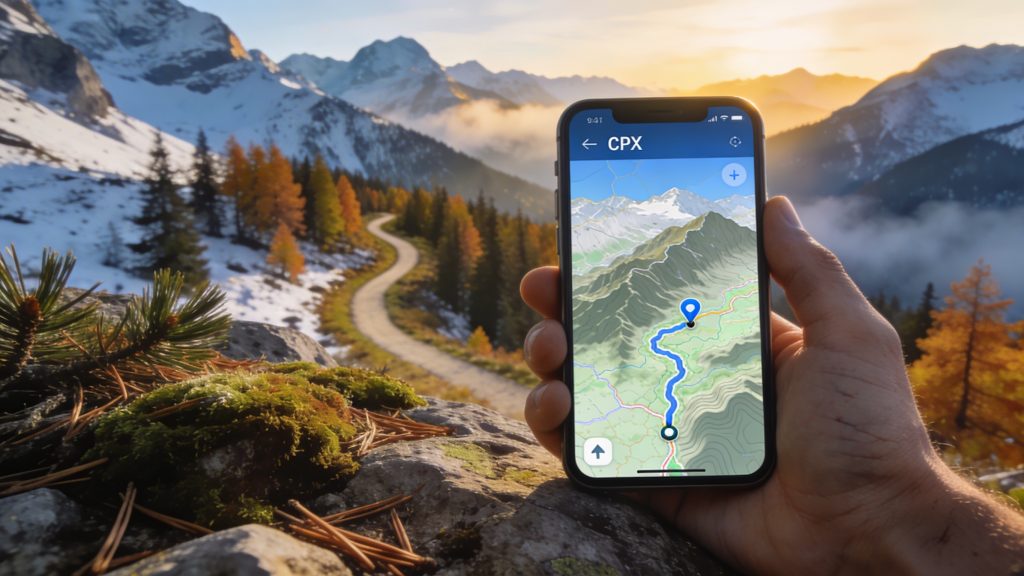
Anyone who plans their own multi-day hike knows that reliable navigation is what makes the difference between a relaxed trek and getting lost. GPX files and modern apps offer accurate route guidance, offline access and real-time location tracking, even on remote trails without waymarking. With the right preparation and tools you stay in control of your journey and avoid unnecessary detours. Discover which apps are most useful and how to prepare your route smartly.
What are GPX files and why are they useful?
GPX stands for GPS Exchange Format, a standard file type that records GPS coordinates. A GPX file contains waypoints, exact points with longitude and latitude, which together form a route. Almost all navigation apps and GPS devices can read this format, allowing you to easily download, share and use routes.
For multi-day hikes you can immediately see where you are and whether you are still on course. For example, you download a GPX file of 15 to 25 kilometres per stage, so that you have a manageable distance each day. Many providers of walking holidays offer GPX files. These files contain routes through forests, hills or river valleys. Thanks to these digital tracks you can see elevation gain, distances and intermediate points in advance, which simplifies planning.
The big difference compared with paper maps is that your position is displayed in real time. You see instantly where you are and whether you are still on the right path. That gives peace of mind, especially on unmarked routes or in unfamiliar areas.
‘ Komoot is popular with walkers who want to put together their own multi-day routes. ’
Komoot: route planning with filters and flexibility
Komoot is popular with walkers who want to put together their own multi-day routes. The app lets you filter by distance, level of difficulty and region. That way you can plan, for example, a four-day trek across the Veluwe, with stages that match your fitness and preferences.
The app also offers offline navigation. That means you download a route in advance and can follow it on the way without an internet connection. Handy in areas where mobile reception is patchy. While walking you see your exact position on the map, with a clear line indicating the route.
Komoot supports GPX import and export. You can load routes from other platforms or share your own planning with fellow walkers. For those who want to add variants, such as an extra loop or an alternative overnight location, the app offers simple adjustments.
Wikiloc: access to thousands of tried-and-tested routes
Wikiloc is a platform where walkers upload and share their routes. You will find thousands of GPX tracks there, often with photos, descriptions and ratings from other users. This gives insight into the quality and up-to-dateness of a route.
For multi-day hikes you can search for specific regions or routes. This makes the platform useful for larger travel plans. Think of a five-day walk through the Heuvelland or a circular hike across the Veluwe. Each GPX file shows details such as elevation gain and type of path, so you know in advance what to expect.
If you download routes in advance, the app also works offline. You then follow the same line as previous walkers, including any changes or corrections they have made. That increases reliability, especially on lesser-known paths.
AllTrails: weather information and community updates
AllTrails combines route planning with up-to-date information. The app shows not only GPX tracks but also weather forecasts and updates from other walkers. If a path is temporarily closed or there is a diversion, you will often see this mentioned in the comments.
The offline function works smoothly. You download a map area including routes and use it on the way without a data connection. The app records your walk while you are on the move. Afterwards the app shows distance, elevation difference and duration. That helps you evaluate your planning for the following days.
‘ Routes can change due to works, nature management or new waymarking. ’
How do you download GPX files for the Veluwe?
The Veluwe has many walking routes that are available as GPX files. Websites of nature organisations, walking associations and regional platforms offer these downloads. You search for the route you want, check the length and profile, and download the file to your phone.
After downloading you import the GPX file into your navigation app. You usually do this via the ‘open with’ function or by manually adding the file in the app. The route then appears on the map. You see waypoints for departure, intermediate stops and arrival.
Pay attention to how up to date the file is. Routes can change due to works, nature management or new waymarking. Check the upload date and read any comments from recent users before you set off.

Tips for offline navigation on hut-to-hut routes
Hut-to-hut routes are multi-day walks where you stay overnight in mountain huts or walking huts. Navigation is important here because paths often run through remote areas. Offline access to your route prevents problems when there is no mobile reception.
Download both the GPX files (digital route files with GPS coordinates) and the corresponding maps in advance. Many apps require separate downloads for offline maps. Make sure you have downloaded the entire region. Do not download just the specific path. This way you can also find alternatives or emergency routes if needed.
Use a power bank. Using GPS consumes battery power, especially if your screen is on regularly. A 10,000 mAh power bank or larger gives enough reserve for several days. Put your phone in flight mode with only GPS enabled. That saves energy.
Test your GPX files in advance on a short walk. That builds confidence in the app, the route and your own use of it. You will notice whether the waypoints are correct and whether the map is clear enough for navigation.
Integration with train and car routes for flexible planning
Many apps offer options to combine your walking route with public transport or car access. That makes multi-day hikes more flexible. You can opt for a linear route with different start and end points, accessible by train or bus.
Apps such as Komoot and AllTrails show public transport stops and stations in their route planning. For example, you can see which railway stations are close to your starting point and how to get there. That saves you searching and ensures a smooth connection between travelling and walking.
For those travelling by car, it helps to mark parking locations in the app as waypoints. That way you can find your car again after a circular walk. On multi-day circular routes you park the car at the starting point and return to the same place after a few days.
‘ Digital navigation is reliable, but a phone can break, get wet or run out of power. ’
Battery management and safety tips on the trail
Navigation apps are useful, but they do require attention to battery use. GPS tracking and an active screen consume energy. Always make sure you have enough capacity left for emergency calls or unexpected situations.
Put your phone in power-saving mode and switch off unnecessary functions. Mobile data, Wi‑Fi and Bluetooth can be turned off when you are navigating offline. That significantly extends battery life. Check your battery status regularly and recharge during breaks if possible.
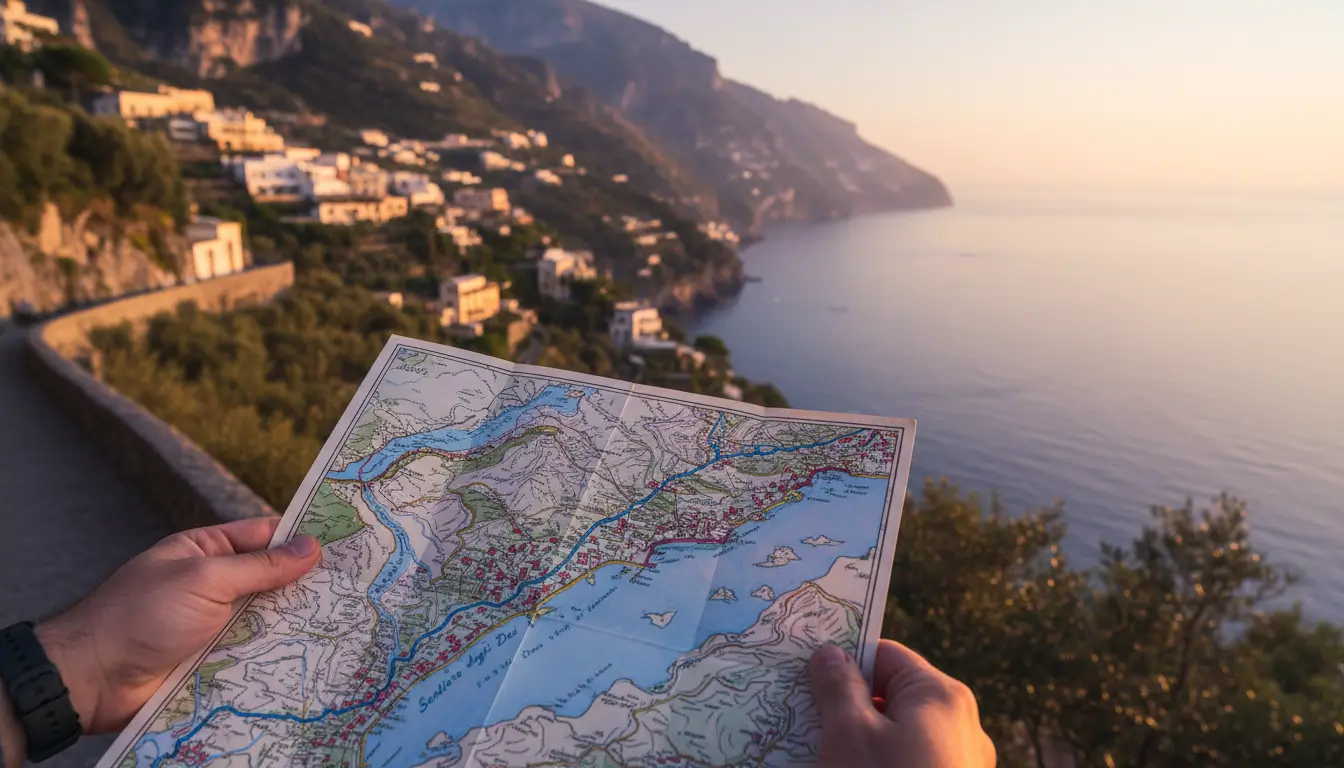
Take a paper map as a backup. Digital navigation is reliable, but a phone can break, get wet or run out of power. A printed map provides security in case of technical problems. This is especially true on long treks in unfamiliar or remote areas.
Which app is best for walking navigation in Belgium?
For walks in Belgium the same apps work as in the Netherlands, but do pay attention to the availability of local routes. Wikiloc has a large range of Belgian walks, with GPX tracks for the Ardennes, the Flemish hills and coastal paths. AllTrails also offers many routes with reviews from local walkers.
Komoot supports Belgian topographical maps and lets you plan routes across the border. That is handy if you are combining a multi-day trek with train journeys between the Netherlands and Belgium. Check whether the app offers offline maps for the region where you will be walking.
Take language choice into account in descriptions and reviews. Many Belgian routes have texts in Dutch or French. Apps usually show that information in the language used by the person who uploaded it, which sometimes means switching between languages.
Find out more about smart travel preparation
Navigating with apps and GPX files makes multi-day walks clearer and safer. Would you like to know more about route planning, equipment or regulations? Visit the Traveler Tips website for practical guides and step-by-step plans. Find out which routes best match your fitness and experience, compare apps and prepare your next multi-day trek with concrete checklists and downloadable GPX files.
Frequently asked questions
Choose well-known apps (such as Komoot or Outdooractive) and preferably use GPX files from official route providers or recently well-rated user routes. Test the app and GPX track in advance on a short day walk and check whether the entire map and route have been downloaded for offline use. Make sure you also have the route in a second app or as a paper map/guide in case one system fails. Limit battery use by using flight mode + GPS, lowering screen brightness and taking a well-charged power bank with you.
The most suitable and user-friendly navigation apps with good GPX support for car, train and road trips are mainly Komoot and (the successor to) ViewRanger/Outdooractive. Komoot excels in ease of use, route planning over longer distances and the simple importing and following of GPX files. ViewRanger/Outdooractive offers extensive map layers, accurate navigation and easy synchronisation of self-made or imported GPX routes between PC and smartphone.
Prepare GPX routes by planning them on your computer beforehand or downloading them per stage, including waypoints for the start, overnight stays and resupply. Then import these GPX files into a suitable navigation app (such as Komoot or Outdooractive), check the route on the map/satellite image and adjust the route if necessary. Download the maps and routes for offline use and test the route briefly nearby to see whether the track matches your screen and your GPS position correctly. Ensure good battery management (power bank, power-saving mode) so that the navigation app can guide you along your entire route for a seamless travel experience.
Reduce energy consumption by lowering your screen brightness, using your phone in flight mode with only GPS enabled and downloading maps/GPX files for offline use beforehand. Close all unnecessary apps, switch off live tracking and push notifications and preferably use energy-saving map views (no 3D, no constant recalculation). Take one or more power banks with you (for example 10,000–20,000 mAh) and fully charge everything in the evening where possible. Ensure a backup by carrying a paper map and compass and, if possible, a second navigation option such as a simple GPS device or a companion’s phone.
Navigating with apps and GPX makes it easy to leave the beaten track and discover ‘hidden gems’ that are not always on waymarked routes or in guidebooks. By seeing your position on the map in real time, you can spontaneously take a detour to a beautiful viewpoint, quiet path or river valley that you might otherwise walk past. In addition, you can flexibly adjust your day’s distance, overnight spot or breaks as you go, depending on your energy, the weather and the time. This increases the experience because your route feels more like a personal journey of discovery than a fixed schedule.