 NL
NL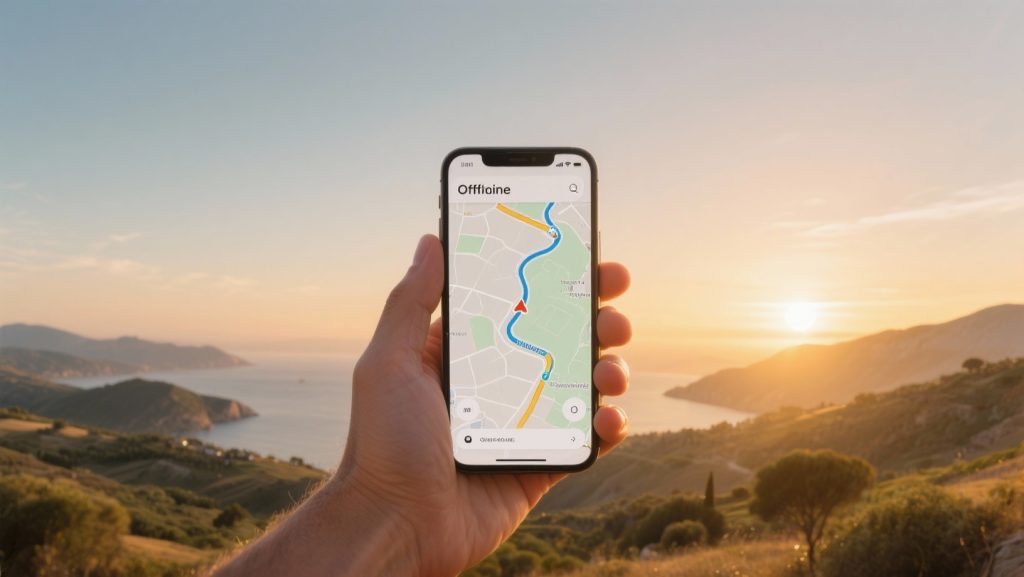
With good preparation, offline navigation abroad without roaming charges is simple and reliable. By downloading the correct maps at home to an app like Maps.me or HERE WeGo, you won’t be reliant on an expensive or unstable network at your destination. Wondering how to find your way without worries while keeping your data bundle intact? Read on and discover how to navigate smartly and stress-free.
Why is offline navigation essential outside the EU?
Within the European Union, you can usually use your data bundle without extra costs, thanks to the abolished roaming charges. However, as soon as you travel outside the EU, such as to Switzerland, Turkey, the United States, or Asia, the costs for mobile internet can quickly add up. A navigation app that constantly consumes data can inadvertently lead to a high phone bill. Offline navigation completely prevents this problem. You download the necessary maps via a Wi-Fi connection before you depart. This means you no longer need mobile internet on the go to determine your route. This is not only cost-effective but also reliable. In remote areas, such as national parks or mountain passes, mobile coverage is often weak or even absent. You also lose the signal in tunnels. With offline maps on your phone, your navigation always works, regardless of network quality.
‘ This process is completely independent of your mobile data connection. ’
The technology behind offline navigation: GPS without data
How can your phone navigate without internet? This is possible because every smartphone is equipped with a GPS receiver. GPS, which stands for Global Positioning System, is a network of satellites that send signals to Earth. Your phone picks up these signals to determine its exact location. This process is completely independent of your mobile data connection. Receiving a GPS signal is free and available worldwide. An internet connection is normally required to load map data and calculate the route. With offline navigation apps, you bypass this by storing the maps on your device in advance. The app then combines the free GPS signal with the locally stored map information to show your position and guide you.
Which apps are most suitable for offline use?
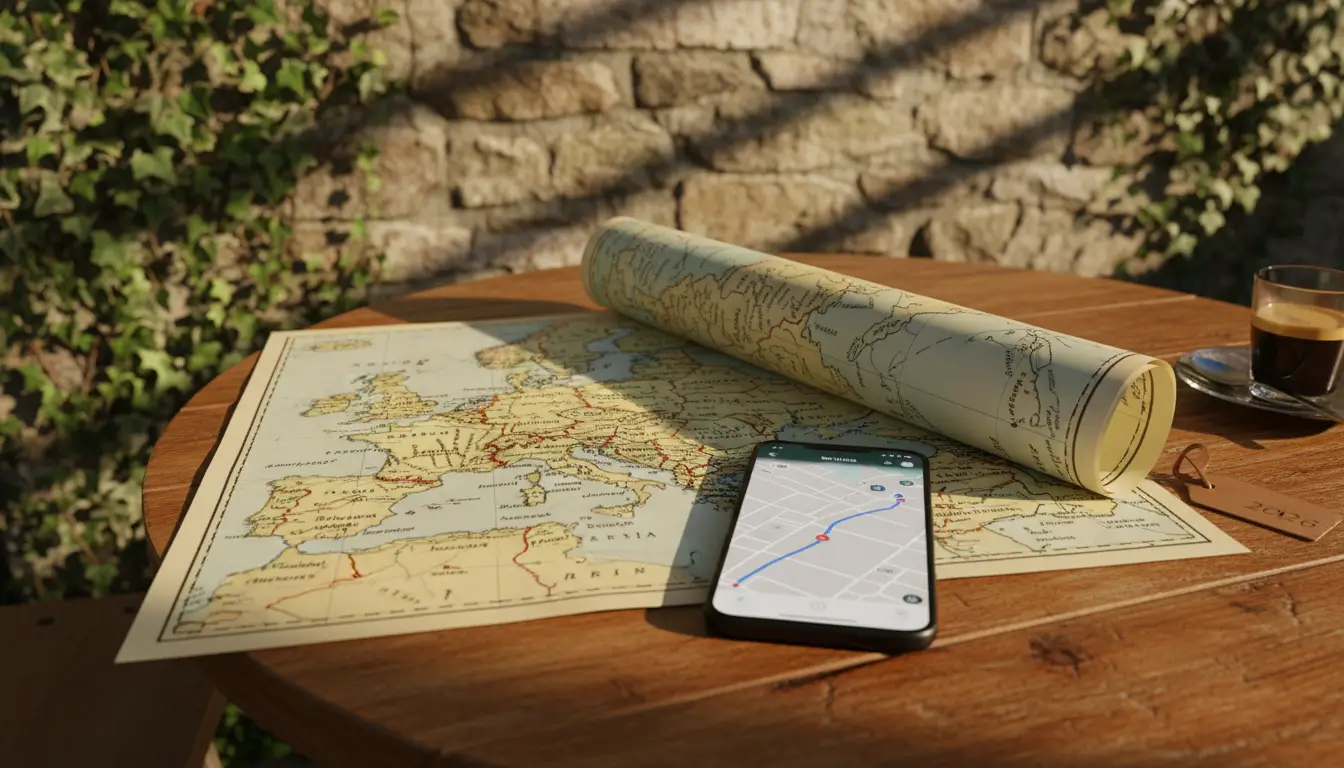
There are applications that offer excellent offline functionalities. The choice of a specific app depends on your personal preferences and the type of trip you are making. Below, we discuss some of the best options.
Maps.me: Detailed and user-friendly
Maps.me is a popular choice among travellers due to its highly detailed maps and the large number of points of interest (POIs) included, such as restaurants, ATMs, and attractions. The app uses OpenStreetMap data, which is maintained by a community of users and is therefore often very current, even for walking paths and small roads.
- Download maps of entire countries or regions.
- Search function and route navigation work completely offline.
- Ideal for both car journeys and city walks.
HERE WeGo: Reliable and versatile
HERE WeGo is a strong competitor with global coverage. The app offers reliable maps that you can download per country or region. An advantage of HERE WeGo is that, in addition to car routes, it also provides information for public transport, cycling, and walking routes, which are also available offline after downloading the correct map.
- Clear step-by-step instructions with voice guidance.
- Option to save maps to an SD card to save phone memory.
- Download maps from over 100 countries.
Google Maps: The familiar option with an offline function
Many people use Google Maps by default for navigation. What not everyone knows is that Google Maps also has a good offline mode. You can select and download specific areas for offline use. The functionality is slightly more limited than with specialised apps; for example, you cannot download entire countries at once. The downloaded maps also expire after approximately 15 days, so it is important to update them regularly when you have Wi-Fi.
- Easy to use if you are already familiar with the app.
- Reliable route planning and traffic information (traffic info online only).
- Select and download the area you need yourself.
How to prepare for offline navigation?
To navigate offline without worries, good preparation before departure is essential. Follow these steps to ensure you don’t encounter any surprises on the way.
- Choose and install your app: Determine which app best suits your trip and install it well before departure. Test the app by downloading a map of your hometown.
- Download the correct maps: Connect to a stable Wi-Fi network and download the maps of all countries and regions you plan to visit. This can consume a lot of data and time, so do this at home.
- Save important locations: Look up the address of your accommodation, attractions, and other important points in advance and save them as favourites in the app. This way, you can navigate directly to them later.
- Check your storage space: Maps can take up a lot of storage space. Make sure you have enough free space on your phone or use an SD card if your app supports it.
- Ensure a full battery: Navigation, even with the screen off, consumes a lot of power. Take a power bank or a car charger with you to charge your phone on the go.
‘ Good travel preparation is the key to a relaxed holiday. ’
What to do if you have a weak or lost GPS signal?
While a GPS signal is generally very reliable, your phone may sometimes struggle to find your location. This occurs more often in densely built urban areas with many tall buildings (the ‘urban canyon’ effect), in deep valleys, or dense forests. If you notice a weak signal, try the following:
- Ensure a clear view of the sky: The GPS receiver in your phone needs as unobstructed a ‘view’ of the sky as possible. For example, place your phone close to the car’s windscreen.
- Give it time: Sometimes the phone needs a moment to find signals from enough satellites, especially if you turn the device on again after a long time.
- Restart the app: Restarting the navigation app or even your entire phone can help restore the GPS connection.
Good travel preparation is the key to a relaxed holiday. Planning your routes and arranging your navigation is an important part of this. On the Traveler Tips website, you will find many more practical guides and articles to help you organise your ideal car or train journey. Discover our in-depth tips on the most beautiful routes, traffic rules abroad, and assembling your travel equipment.
Frequently asked questions
The most reliable and user-friendly offline navigation apps for road trips abroad are HERE WeGo and Maps.me. HERE WeGo is versatile for car, cycling, and public transport, while Maps.me is ideal for combining routes and attractions. Other good options include Google Maps, Sygic, OsmAnd, and TomTom AmiGO/GO, each with their own strengths and limitations. It is crucial to download maps via Wi-Fi beforehand and update them regularly to avoid roaming charges and ensure a smooth journey.
You can download offline maps for your trip via Wi-Fi using apps like HERE WeGo or Maps.me, pre-downloading entire countries or regions. To keep them up-to-date, check Google Maps every 15 days or re-download them before departure, for instance, using Wi-Fi at Schiphol. Turn off mobile data and use voice navigation, and consider a power bank or car charger for on-the-go.
Yes, there are free alternatives for offline navigation that offer similar functionalities to paid options. Apps like HERE WeGo and Maps.me are completely free and provide worldwide maps that can be downloaded in advance, as well as routes for car, cycling, and public transport. OsmAnd, an open-source app, is also free and offers highly detailed maps including house numbers and walking/cycling routes. Although Google Maps offers free offline maps, these expire after 15 days.
Offline navigation apps offer, in addition to basic navigation, extra functionalities that can significantly enhance your travel experience. These include detailed maps with house numbers, walking and cycling routes, and speed limits. Some apps even provide fuel prices, dashcam functionality, and travel guide integration, allowing you to discover attractions and restaurants. By downloading maps in advance and using options like voice navigation, you avoid roaming charges and navigate smoothly, even in remote areas or tunnels.