 NL
NL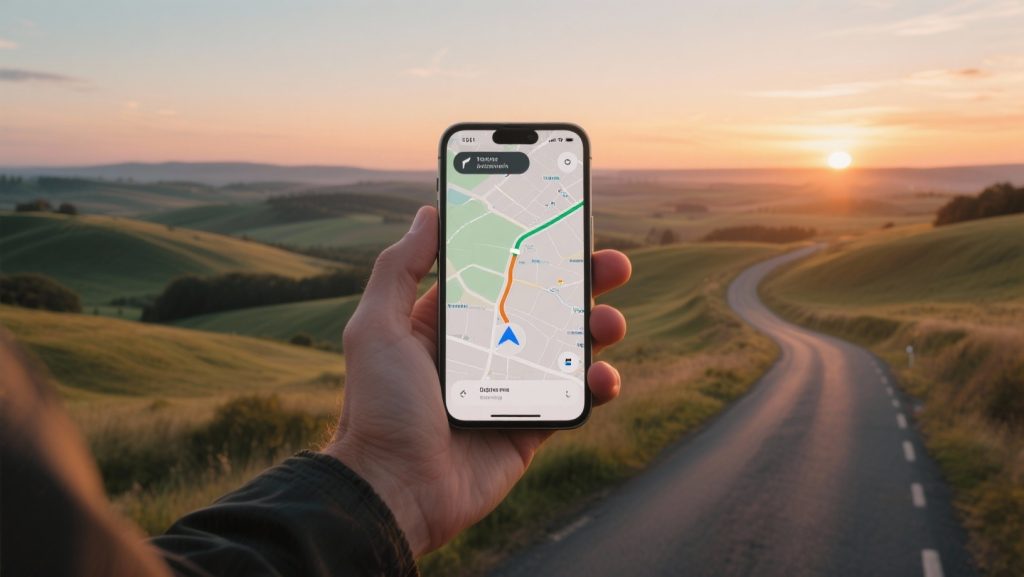
Sygic GPS: advanced offline maps and traffic info
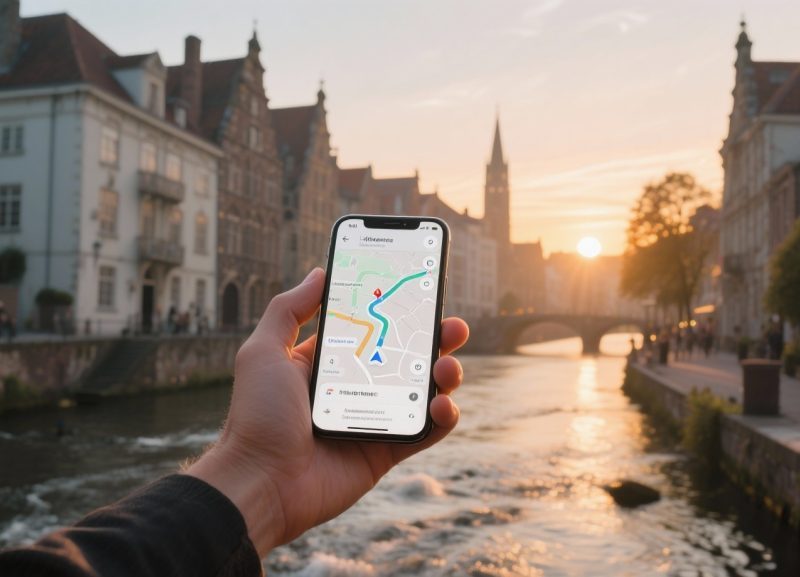
For the self-organised traveller, Sygic GPS, with its advanced offline maps and traffic information, is a reliable choice for any road trip. The app combines the independence of offline navigation with the smart features of an online system. Discover how this app makes your journey more comfortable and better planned.
What makes Sygic the best offline app for long journeys?
A long road trip or tour requires a navigation system you can rely on, especially in areas where an internet connection is uncertain. Sygic distinguishes itself by allowing you to download detailed TomTom 3D maps directly to your smartphone. This means you can save entire countries or regions and navigate without relying on mobile data. This is ideal for travel through mountainous areas, remote nature parks, or abroad where roaming costs can be high.
The maps are more than just a flat representation of the road. The 3D view of buildings and landscapes helps with orientation in unfamiliar cities. In addition, the app offers voice-guided navigation with clearly spoken street names, allowing you to keep your attention on the road. Another useful feature is the lane assistant, which precisely shows you which lane to take at complex junctions and exits, helping you navigate unfamiliar terrain more calmly.
Smart extras for a comfortable journey
In addition to its strong offline foundation, Sygic offers useful features that enhance the driving experience. These make the app a fully-fledged co-pilot for the modern traveller.
- Head-Up Display (HUD): This premium feature projects navigation instructions directly onto your windscreen, so you don’t have to take your eyes off the road, increasing safety. You place your phone on the dashboard, and key information, such as your speed and the next exit, appears in your field of vision.
- Traffic Sign Recognition: The app can recognise traffic signs via your smartphone’s camera and warn you of the applicable speed limit. This helps you avoid fines and drive more safely.
- Parking Assistance: Upon arrival at your destination, Sygic helps you find a parking space. The app provides suggestions for car parks and parking areas, including information on prices and availability.
- Share Route: Planning a route and want to let others know when you’ll arrive? With Sygic, you can easily share your planned route and estimated arrival time with family or friends.
‘ The app thus combines the reliability of offline maps with the intelligence of online data when available. ’
How do I activate traffic information in Sygic without internet?
Distinguish between offline maps and real-time traffic information. Basic navigation with downloaded maps works entirely without internet. However, features such as live traffic updates, which inform you about traffic jams, roadworks, or accidents, do require an active data connection. This service is part of Sygic’s premium subscription.
As soon as your phone connects to the internet, the app retrieves live traffic data and adjusts your route accordingly to avoid delays. This is particularly useful on busy motorways in Europe. Although live traffic information doesn’t work offline, the app does offer a basic package with speed camera warnings that is available offline. However, an internet connection is required for the most up-to-date locations of mobile speed cameras. The app thus combines the reliability of offline maps with the intelligence of online data when available.

Is Sygic compatible with Android and iOS for holidays?
Sygic is fully compatible with both Android and iOS devices. You can download the app via the Google Play Store and the Apple App Store. The basic version with offline maps is free to use, giving you the opportunity to test the main features. For advanced features, such as live traffic information, Head-Up Display, and integration with infotainment systems, a premium subscription is required. Sygic often offers a free trial period, allowing you to try out the premium features before making a purchase.
A major advantage for travellers with a modern car is the support for Apple CarPlay and Android Auto. This allows you to display and control Sygic directly on your car’s built-in screen, ensuring smooth and safe operation while driving, with navigation clearly visible on a larger screen. It’s an excellent way to use your smartphone as a fully-fledged and integrated navigation system.
Tips for good preparation
To make the most of Sygic during your holiday, we recommend good preparation. A thoughtful approach prevents surprises along the way and ensures you make optimal use of all features.
- Download maps in advance: Make sure you download all necessary maps for your destination and transit countries while you are still at home and connected to a reliable Wi-Fi network. Map files can be large, and downloading via a mobile connection is often slow and costly.
- Update the app and maps: Before departure, check if updates are available for both the app and the maps. Road networks constantly change, and having the most recent maps prevents surprises along the way.
- Test the features: Before your big trip, take a short drive with the app to familiarise yourself with the interface and main features. This way, you’ll know exactly how everything works when you need it.
On the Traveler Tips website, you will find many more articles to help you prepare for your trip. From planning the perfect route to packing lists for your luggage and tips for the most beautiful destinations. Discover our other articles and make your next holiday an unforgettable experience.
Frequently Asked Questions
Sygic GPS’s offline 3D maps, provided by TomTom, are highly reliable for navigation in remote areas and countries with limited internet access. Users praise the app for its solid offline functionality, making it a better choice than Google Maps without a signal. While TomTom maps are reliable in Europe, it is advisable to check user reviews for accuracy in very sparsely populated areas. However, real-time traffic information and speed camera warnings do require an internet connection and a premium subscription.
Sygic GPS offers excellent offline TomTom 3D maps, including tourist attractions and pedestrian routes, which is ideal for road trips in areas without internet. You can download maps for entire countries and benefit from features like lane guidance. Although its primary focus is navigation, it does help you find points of interest via the maps. Regular updates ensure current routes to various locations.
Sygic GPS provides real-time traffic updates that help avoid traffic jams and delays, but this requires a premium subscription and an internet connection. TomTom’s offline 3D maps are highly reliable for basic navigation abroad without internet, which is ideal for remote areas or high roaming costs. However, a connection is required for live traffic information, which reduces reliability in areas without coverage. Generally, the maps in Europe are very accurate, but for less populated areas, there can sometimes be inaccuracies.
Sygic GPS Navigation & Maps offers offline 3D maps from TomTom and other providers, which are updated several times a year for free. For traffic updates, including road closures or new routes, real-time traffic updates and speed camera warnings are available via a premium subscription. However, the basic version of the app works solidly for offline navigation without a data connection. It is advisable to download maps before departure and update them regularly for the most current routes.
Sygic GPS offers various functionalities for comfortable and efficient travel, including parking suggestions with prices and availability. The app also warns of speed cameras and detects speed limits via sign recognition. Furthermore, Sygic provides real-time traffic updates and the ability to share routes with ETA. These features contribute to a smarter travel experience, both offline and with premium live data.
Sygic GPS offers a free basic version with offline maps, which is a significant advantage compared to using mobile data abroad. Premium features such as live traffic updates and speed camera detection require a subscription, with notes regarding confusion between “lifetime” and recurring costs. Although it is cheaper than dedicated TomTom hardware and superior to Waze for offline use, not all features are fully available offline.